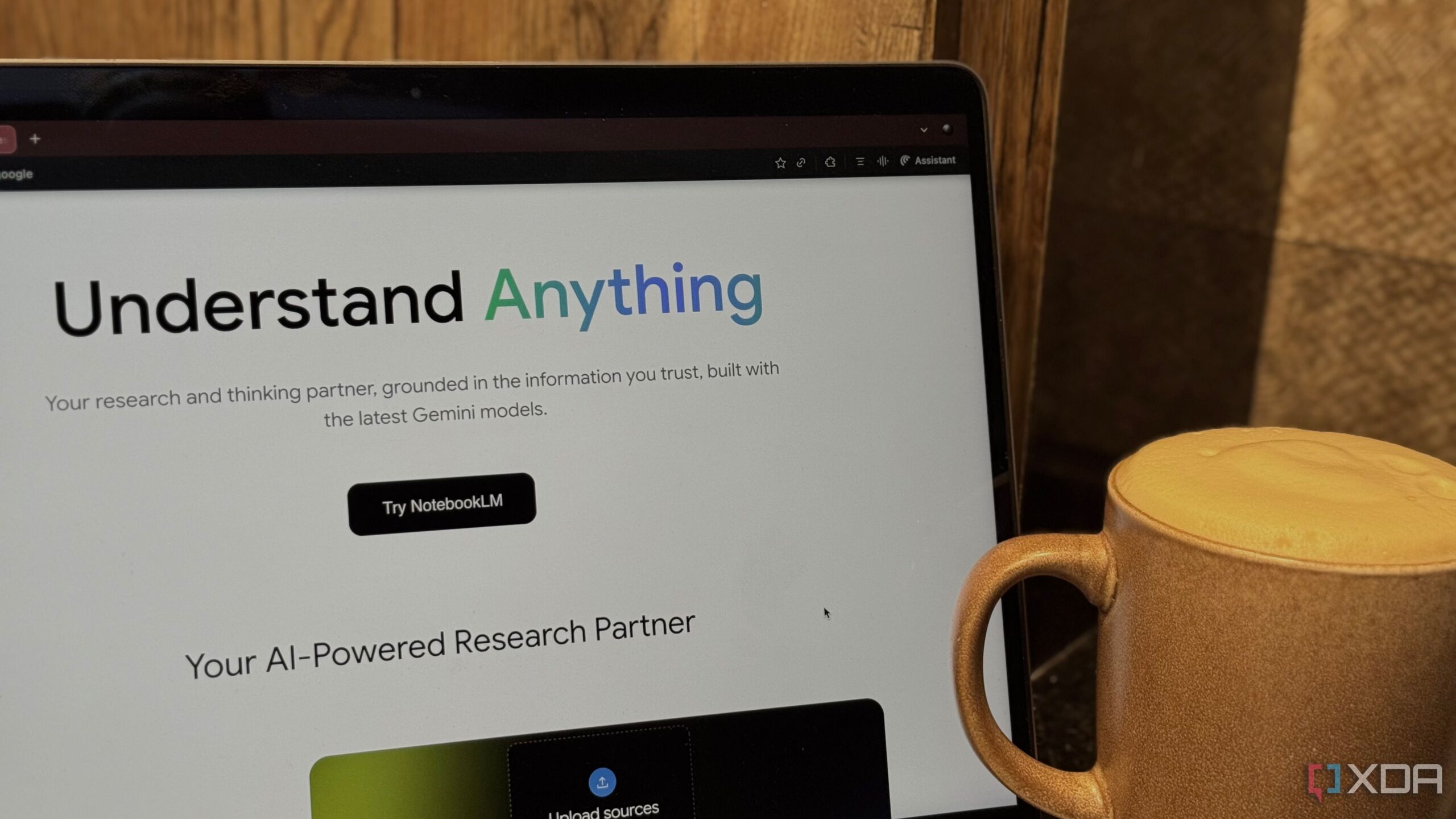
Google’s NotebookLM is gaining attention, but not for the reasons many might expect. While its name suggests a traditional note-taking application, users have begun to realize that it functions more effectively as a research assistant rather than a dedicated platform for capturing notes. This distinction is crucial for anyone considering using NotebookLM for their academic or professional needs.
Understanding the True Purpose of NotebookLM
At its core, NotebookLM is designed to enhance research capabilities. According to Google, it is branded as an “AI Research Tool and Thinking Partner.” Unlike conventional note-taking apps, which provide a blank canvas for users to jot down ideas, NotebookLM requires users to input information gathered from other sources before it can be utilized effectively.
This means that instead of starting with an empty page, users must first compile their materials and then upload them to NotebookLM. Once uploaded, the tool can transform these sources into various formats, such as podcasts, explanatory videos, or organized reports. This process aids in deeper engagement with the material rather than simply listing notes.
Organizational Challenges with NotebookLM
One significant drawback of NotebookLM is its lack of an organizational system. Traditional note-taking applications excel at helping users structure, categorize, and retrieve their ideas over time. They often feature folders, tags, and notebooks that allow for efficient information management. In contrast, NotebookLM relies on a simplistic notebook system, where users must manually decide what to include in each notebook.
For example, users can create multiple notebooks for different subjects or projects, but the absence of tags or cross-referencing capabilities can quickly lead to disorganization. As mentioned in an earlier article from April, this limitation becomes apparent when trying to manage various notebooks for different courses or topics.
While users can create up to 1,000 notes per notebook, the lack of advanced organizational tools means that finding and linking material later is entirely manual. This can make the user experience cumbersome, particularly for those managing extensive research across multiple subjects.
Integrating NotebookLM with Other Tools
Despite these challenges, users can still find ways to incorporate NotebookLM into their workflow. For instance, students can pair it with established note-taking applications like Notion, Evernote, or Apple Notes. This combination allows users to benefit from both NotebookLM’s research capabilities and the organizational strengths of traditional note-taking apps.
In practice, a Computer Science student might create separate notebooks for each course within NotebookLM while using another app for detailed note-taking. This dual approach enables users to compile research while maintaining a structured environment for their notes.
Numerous resources are available on platforms like XDA, guiding users on how to effectively pair NotebookLM with their preferred note-taking tools. This strategy ensures that individuals can maximize their productivity while leveraging the unique features of NotebookLM.
In conclusion, while Google’s NotebookLM offers innovative capabilities for research and information processing, it is essential to recognize its limitations as a note-taking app. By understanding its true purpose and integrating it with other tools, users can create a more effective workflow that meets their academic and professional needs.