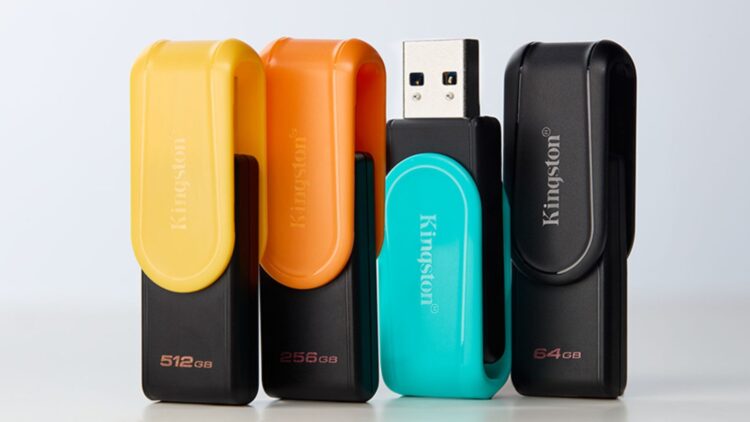
USB drives have evolved significantly from mere data storage devices to versatile tools that enhance computer performance and functionality. While many users primarily associate USB drives with file transfer, modern USB 3.0 models offer a range of innovative applications that can optimize daily computing tasks.
Enhancing Computer Memory
One of the most practical uses of a USB drive is its ability to increase computer memory. Although it cannot replace Random Access Memory (RAM), it can enhance the performance of older computers through the Windows ReadyBoost feature. By simply plugging in the USB drive, right-clicking on the unit, and selecting Properties > ReadyBoost, users can activate the “Use this device” option. The faster the USB drive, the more noticeable the performance improvement.
Installing Operating Systems Easily
The reliance on CDs and DVDs for software installation has diminished, as USB drives now provide an efficient alternative for installing operating systems like Windows or Linux. Microsoft’s “Windows Installation Tool” and applications like UNetbootin for Linux allow users to create bootable USB drives. Once prepared, users can restart their computers with the USB drive connected and adjust the BIOS settings to boot from it. This method is particularly beneficial for technicians or individuals who frequently format and reinstall operating systems.
Repairing a computer that fails to start can also be accomplished using a USB drive. Tools like Hiren’s BootCD PE enable users to run a lightweight operating system directly from the USB, providing access to repair programs, antivirus software, and data recovery tools. Users must download the necessary software from official sources, install it on the drive, and reboot the computer with the USB drive connected.
Another valuable function of USB drives is their ability to expand storage on mobile devices. For users with iPhones and iPads operating on iOS 13 or later, connecting a USB-C drive or one equipped with a Lightning connector is straightforward. Similarly, devices running on the Android operating system can utilize USB On-The-Go (OTG) compatibility to connect external drives directly, allowing for file transfers, space freeing, or backups without requiring cloud services.
Lastly, USB drives can serve as digital security keys through programs like USB Raptor or KeyLock. This feature allows users to lock their computers, ensuring that data remains secure until the USB drive is connected. It is advisable to use a small USB model or one with a keychain for portability, making it easy to carry and hard to forget.
With their multifunctional capabilities, USB drives are indispensable tools in both professional and personal contexts. As technology continues to advance, these devices will likely see even broader applications, further cementing their role in modern computing.