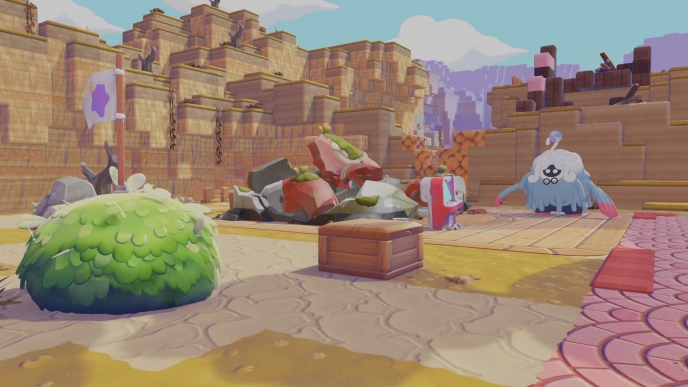
The highly anticipated GameShare feature in Pokémon Pokopia allows players to engage in cooperative gameplay with friends, enhancing the overall gaming experience. However, this feature becomes accessible only after players reach a specific location in the game, known as Palette Town.
How to Access GameShare in Pokémon Pokopia
To utilize the GameShare feature, players must progress through the game until they arrive at Palette Town. This area becomes available shortly after navigating through the Withered Wasteland. Players will encounter an objective where they must assist the character Squitle in breaking through a wall adjacent to the Pokémon Center in the Withered Wasteland.
Once players have completed this task, they will find themselves on a beach where a damaged road awaits. Players should construct blocks to bridge the gap and continue down the road. Even when prompted about insufficient knowledge to proceed, players can ignore this and press on. Eventually, they will arrive at Palette Town, where they can interact with the Pokémon Center console.
Connecting with Friends
At the Pokémon Center in Palette Town, players will meet an Eevee that initiates the GameShare process. To begin, select the Link Play option, followed by “Invite others to visit.” From the subsequent menu, players should choose “GameShare.” It is important to note that this option is exclusive to Palette Town and will not be available at other Pokémon Centers within the game.
Players can then decide whether to connect with a nearby player or use the GameChat feature. On the second Nintendo Switch, whether it is a Switch 1 or Switch 2, players must open the Home screen and select the GameShare icon located in the bottom row. This procedure is necessary since Pokémon Pokopia is not available for purchase on the original Nintendo Switch.
After selecting “Join GameShare,” players can enjoy cooperative gameplay. While the feature adds a layer of interaction, it is important to remember that the GameShare functionality is limited and does not allow for a full cooperative play experience throughout the entire game.
For more detailed news and guides, players are encouraged to visit dedicated Pokémon Pokopia resources.