Students and professionals alike often grapple with disorganized research methods that hinder productivity. A recent shift in the approach to research has emerged, centering on the combination of Perplexity, NotebookLM, and local text applications such as Windows Notepad. This streamlined setup aims to reduce chaos and enhance efficiency in managing information across various platforms.
In the world of design and technology, where information is abundant yet often unstructured, finding a cohesive system can be challenging. One user, who regularly navigates research-heavy projects, has turned to a simple yet effective combination of tools that facilitates a more organized workflow. The absence of official integrations between these applications has not deterred this user, who has adapted their approach by utilizing Google Drive for seamless syncing and accessibility.
Integrating Tools for Efficient Research
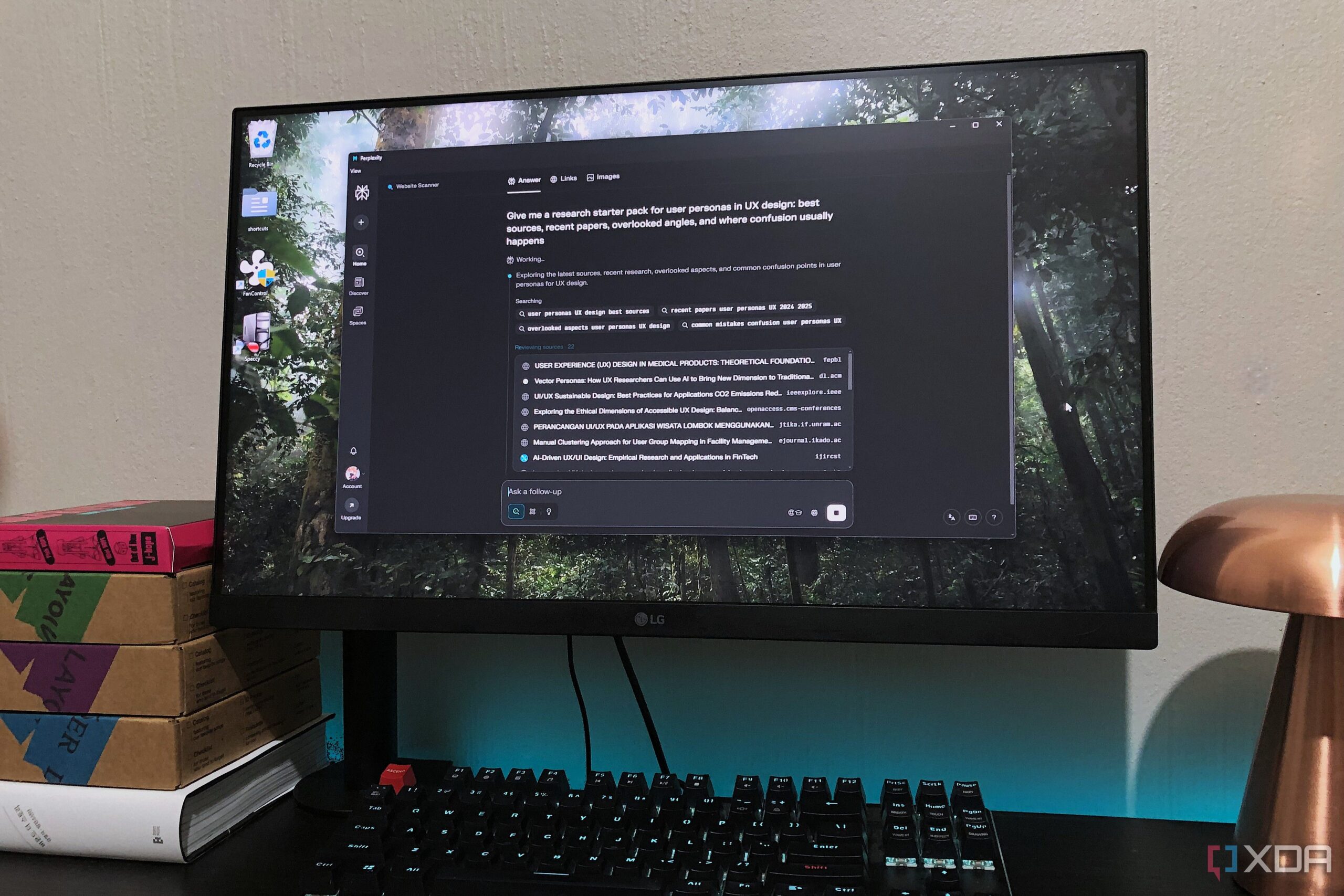
While Perplexity serves as a primary search engine, providing context-aware results and official sources, NotebookLM acts as a repository for organizing and summarizing findings. The user emphasizes the importance of starting with clearly defined prompts in Perplexity to maximize the relevance of the information retrieved. For instance, prompts such as “Map out the core arguments around [topic]” or “Give me a research starter pack for [topic]” help to extract structured data efficiently.
Once the information is gathered, the user exports this content into a Google Drive-synced folder, allowing for easy access within NotebookLM. This method negates the need for extensive automation, which is not currently possible due to the lack of public API access from NotebookLM. Instead, the user relies on manual processes combined with the effective use of Google Drive to keep everything organized.
Maximizing Study Potential with NotebookLM
After transferring data into NotebookLM, the focus shifts to studying and synthesizing information. This platform enables the creation of interactive mind maps and summaries that distill complex research into digestible content. The user particularly highlights the utility of NotebookLM’s Quiz and Flashcards features, which transform study materials into interactive learning tools. This function not only aids in retention but also provides immediate feedback, making it a valuable asset for those preparing for exams or assignments.
To ensure notes are accessible even when offline, the user employs a local text stack. By copying relevant responses from NotebookLM into Windows Notepad, they create a backup and enhance their study materials. This practice allows for personal annotations and the ability to print materials, catering to various learning preferences.
This innovative approach to research management represents a significant improvement over traditional methods. By narrowing the focus to two primary applications and utilizing additional tools for note-taking, the user has transformed their research process into a more manageable and effective system. While the integration is not flawless, the combination of Perplexity, NotebookLM, and Windows Notepad has proven to be the most efficient research system the user has experienced to date.